


Your Kanban, Your Way, Any Device
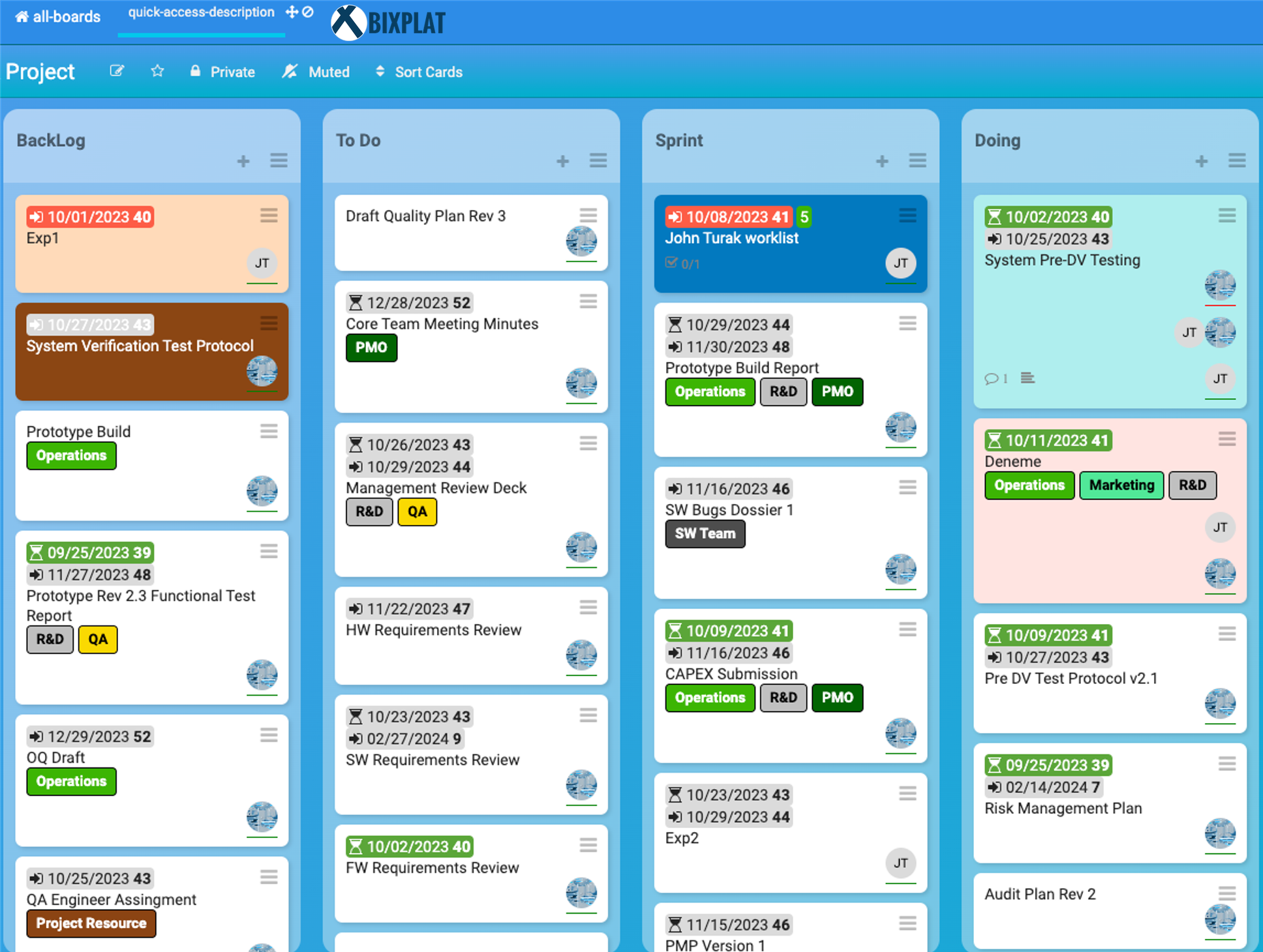
Work From the Board, Desk, or Anywhere
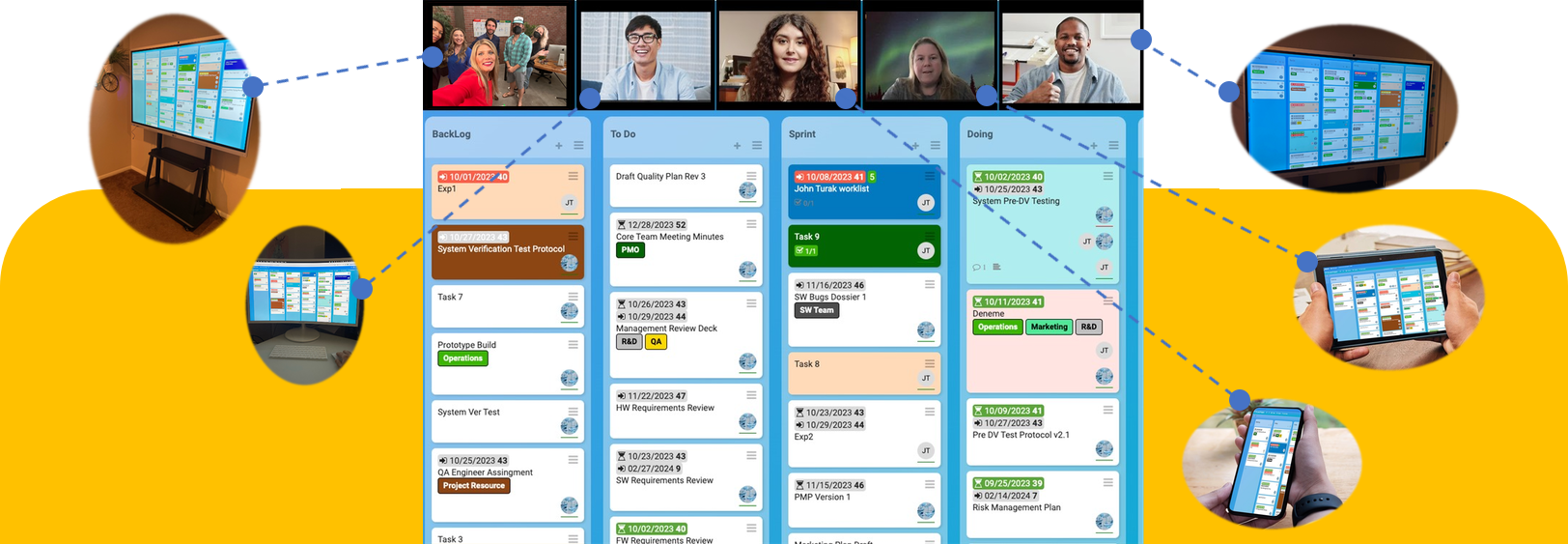
BixPlat keeps your Kanban board accessible across your touchscreen smart board, computer, phone, and tablet — so your team can update work in real time from wherever they are.
Touchscreen Smart Board
Best for team rooms, production floors, and daily huddles
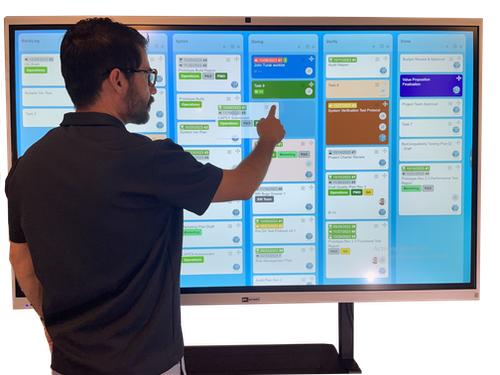
Computer Access
Manage your board from your desk
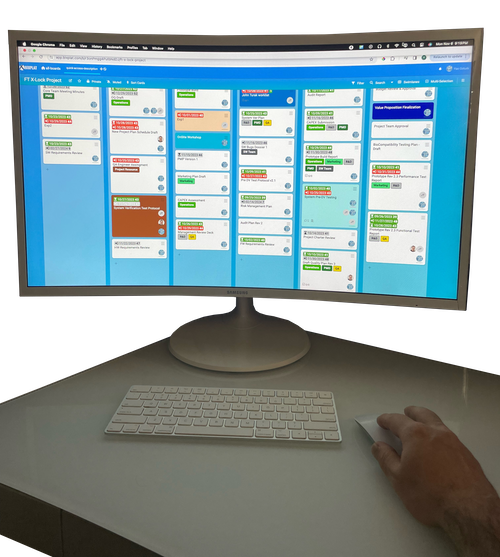
Mobile Updates
Quick updates on the go
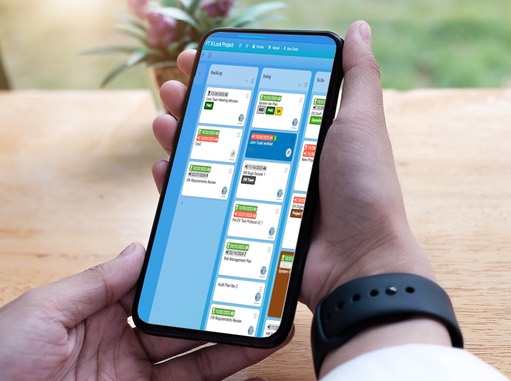
Tablet View
Portable team visibility
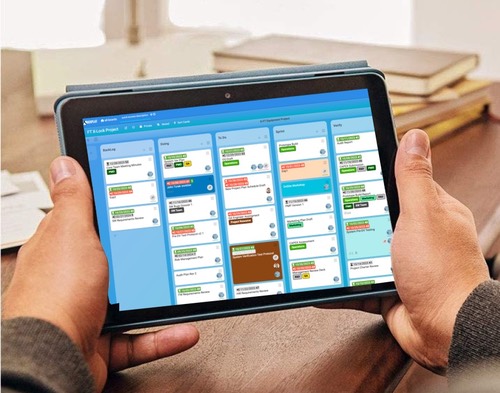
Built-In Kanban Tools for Real Work
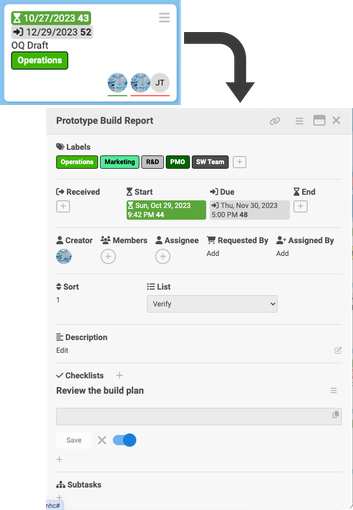
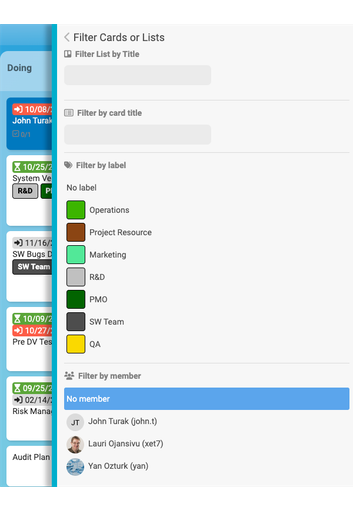
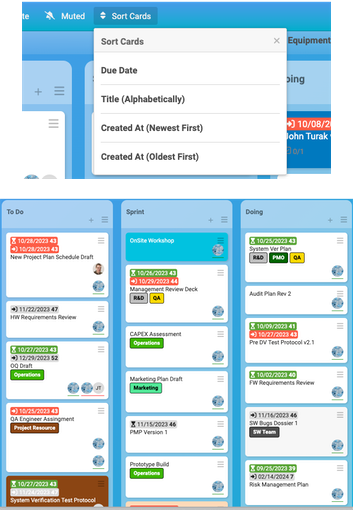
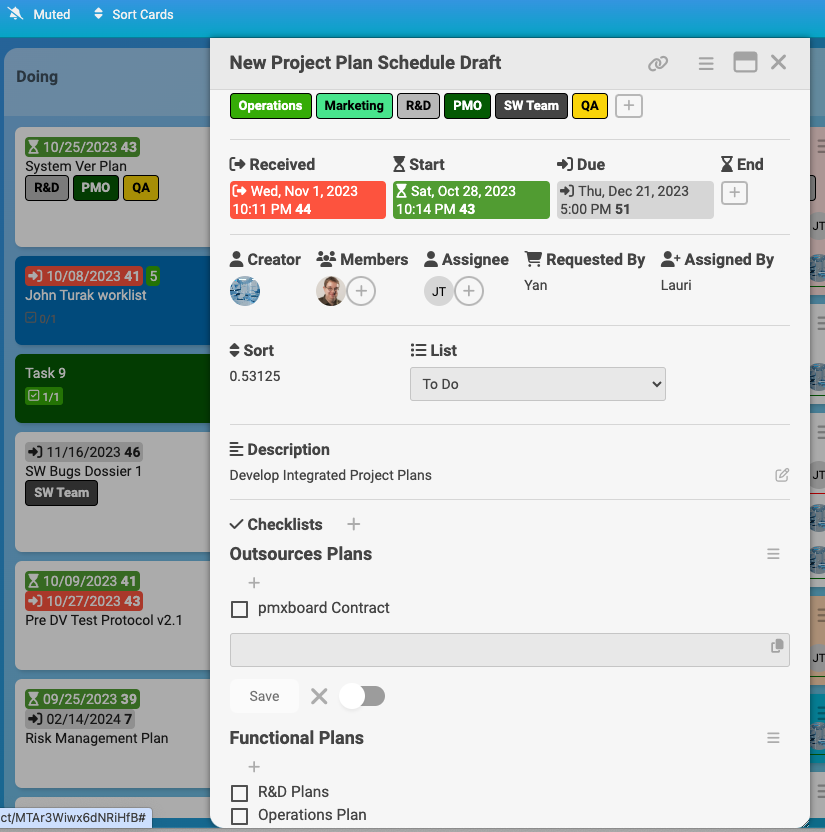
BixPlat includes a flexible Kanban app designed for project tracking, task ownership, daily huddles, and visual team coordination. Create cards, assign owners, set due dates, add labels, filter work, sort priorities, and track progress from your touchscreen board, computer, tablet, or phone.
Video-Ready Collaboration Hardware
BixPlat is designed to support hybrid collaboration with a built-in camera, integrated microphone, and interactive touchscreen. Use your preferred video meeting apps such as Microsoft Teams, Zoom, Google Meet, or similar tools while keeping your Kanban board visible for planning, daily huddles, project reviews, and team coordination.
Instead of gathering around a small laptop, your team can use BixPlat as a large visual collaboration hub. Remote participants can join through your preferred meeting app, while the team uses the touchscreen board to review tasks, priorities, blockers, and next actions.
The initial BixPlat launch does not include a native BixPlat video meeting platform. The device is hardware-ready for video collaboration through compatible third-party meeting applications, giving your team flexibility without being locked into one meeting tool.
Connect Through the Apps Your Team Already Uses:
Use the built-in camera, microphone, and touchscreen display with Teams, Zoom, Google Meet, or similar meeting tools for hybrid standups, planning sessions, and project reviews.
Keep the Board Visible During Every Meeting
Review tasks, update priorities, discuss blockers, and keep your team aligned using BixPlat as the central visual board for in-room and remote collaboration.
Multiple Views for Different Workflows
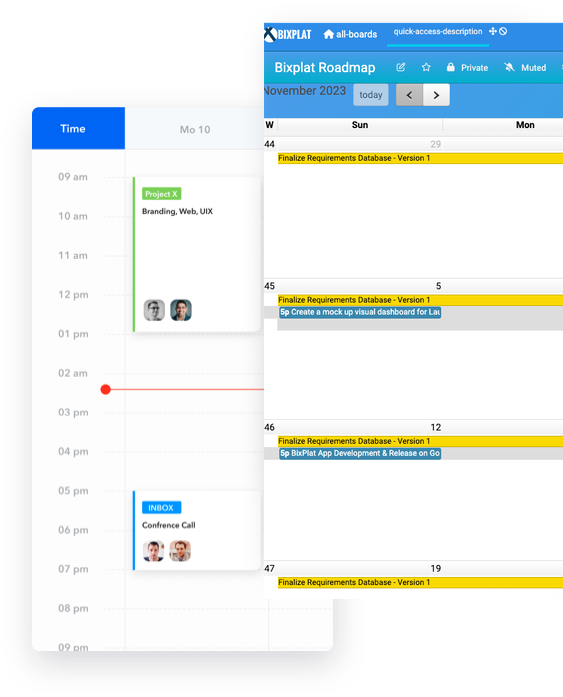
BixPlat helps your team view work in the format that fits the moment. Use Kanban board views for daily task flow, swimlanes for grouped work, calendar views for schedule visibility, and timeline-style planning views for roadmap discussions and upcoming milestones.
Switch between views to support standups, project reviews, planning sessions, and follow-up discussions without losing sight of the same work.
Kanban Features That Keep Work Moving
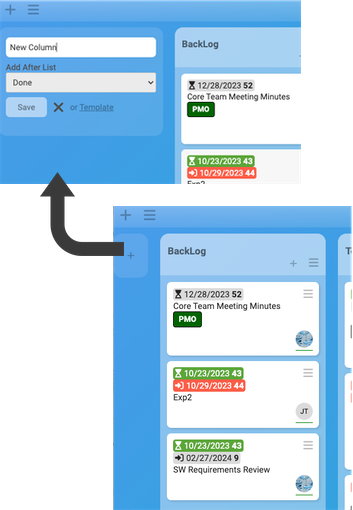
Flexible Board Setup
Create columns and swimlanes that match your team’s workflow, process, or project structure.
Visual Labels & Categories
Use color-coded labels to organize work by department, priority, status, project, or team.
Detailed Task Cards
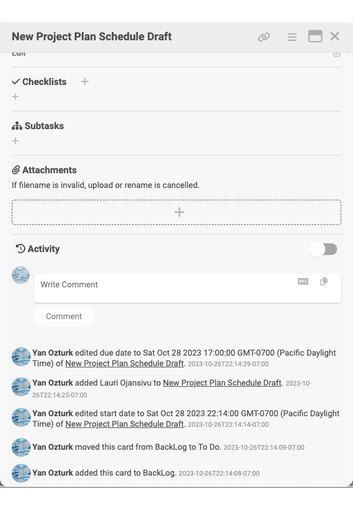
Add descriptions, checklists, due dates, owners, members, comments, and attachments to keep task details in one place.
Filtering & Search
Quickly find the work that matters by filtering cards by label, member, list, or other project details.
Progress Tracking
Use checklists, activity history, and task updates to see what changed and what still needs attention.
Team Accountability
Assign responsibility, clarify ownership, and keep everyone aligned during standups, planning sessions, and project reviews.
Why Teams Choose BixPlat
BixPlat combines the visibility of a physical Kanban board with the flexibility of a digital project workspace. Teams can plan work, review priorities, update tasks, and collaborate from the board, computer, tablet, or phone.
Have a question for us?